How to Test an IPTV Service Before Subscribing
How to Test an IPTV Service Before Subscribing
Testing an IPTV service before committing to a long-term subscription is one of the smartest things a viewer can do.
While a service may look great on paper, perform perfectly in promotional videos, or boast an enormous channel count, it can behave very differently in your home. A low price doesn't guarantee good value, and an expansive channel list doesn't guarantee that the channels actually work when you need them.
Taking the time to test IPTV before subscribing can save you from frustration, constant buffering, and incompatible applications. A short trial should be treated as a real-world test rather than simply checking whether a few channels load.
In this comprehensive guide, we will teach you exactly how to evaluate a Premium IPTV in USA, Europe & Canada so you can make an informed decision.
What Is an IPTV Trial?
An IPTV trial is a short, temporary period of access granted by an IPTV provider to allow potential customers to evaluate their service.
Providers offer trials because they understand that every user's setup is different. Variables such as internet speed, router configuration, location, and streaming devices can all impact playback quality. Trial lengths can vary from a few hours to several days, depending on the provider.
However, users should not assume a brief 10-minute trial perfectly represents every aspect of a long-term subscription. To properly evaluate the service, you need to test it thoroughly.
1. Check the Channels and Content You Actually Watch
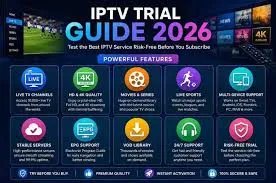 Testing IPTV channel availability during a trial
A massive channel count is useless if your favorite stations are missing or broken. Instead of simply counting channels, test your own viewing priorities. Check:
- Your favorite local and international channels
- News networks
- General entertainment
- Sports content
- Movies and series
- Specialized categories (e.g., documentaries or kids' programming)
Remember, availability depends on the provider and region. If channels fail to load during the test, read our guide on IPTV Channels Not Loading: Causes and Fixes to see if it's a device or server issue.
2. Test Streaming Quality
Don't just verify that a channel opens; evaluate the actual streaming quality. Test:
- Standard Definition (SD)
- High Definition (HD)
- Full HD (1080p)
- 4K streams (where available)
Pay attention to picture clarity, motion quality during fast scenes, compression artifacts, audio quality, and the speed of channel switching. Keep in mind that advertised resolution does not always guarantee consistent real-world quality.
3. Test for Buffering and Freezing
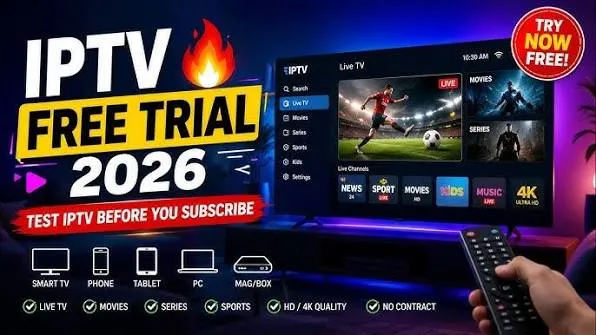 Testing IPTV for buffering and freezing
Buffering is the most common complaint among IPTV users. To accurately test for it:
- Switch between different channels.
- Test different resolutions (especially Full HD and 4K).
- Watch for longer viewing sessions rather than just a few seconds.
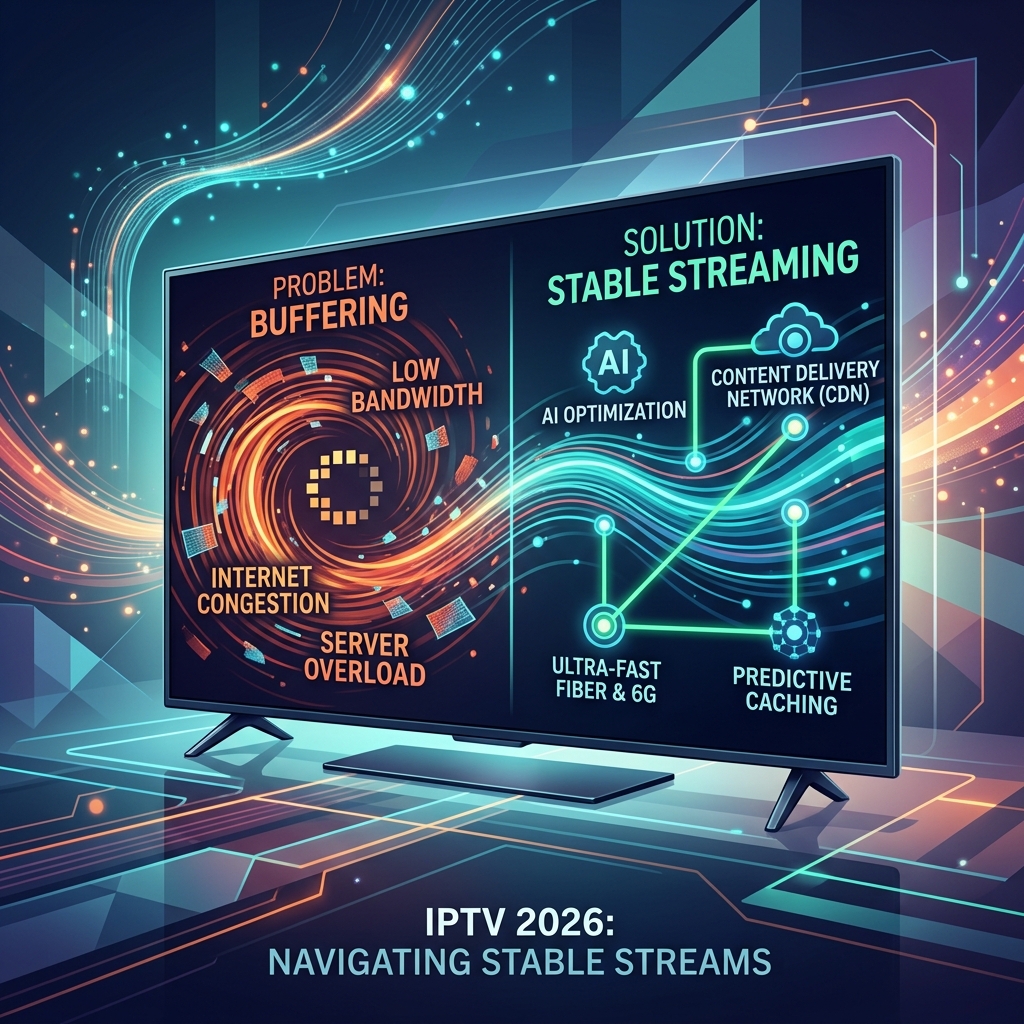
Buffering can be caused by your internet connection, weak Wi-Fi, device performance, network congestion, or provider-side problems. One short test is not enough. If you experience issues, our comprehensive guide on IPTV Buffering: 15 Causes and How to Fix It can help you determine the cause.
4. Test the Service During Peak Hours
This is arguably the most critical test. You must evaluate the service when you normally watch TV, which is usually during peak hours:
- Evening hours (6 PM - 11 PM)
- Weekends
- Popular live television events
- Major sports broadcasts
Testing during peak times can reveal performance issues, server overload, and ISP throttling that may not appear during quieter periods like Tuesday mornings.
5. Test Live Sports Carefully
If watching live sports is a priority, evaluate those channels carefully. Ensure you test:
- Your preferred sports channels and networks
- Live events while they are happening
- The speed of channel switching
- Picture quality and audio synchronization
- Stability during high-demand events
For a complete breakdown of sports viewing, see our guide: How to Watch Live Sports with IPTV.
6. Check the EPG and TV Guide
An Electronic Program Guide (EPG) makes navigating live television much easier. During your trial, test:
- The accuracy of program listings
- Correct time schedules
- Menu navigation and search functionality
- How channels are organized
- Whether detailed program information is available
Keep in mind that EPG accuracy can vary greatly between services and applications.
7. Test VOD and On-Demand Features
If the service includes a Video on Demand (VOD) library, take the time to test it:
- Check the selection of movies and TV series.
- Browse the categories and use the search function.
- Test playback and initial loading times.
- See how well the content is organized.
Make clear to yourself whether VOD is a priority, as its availability and quality vary significantly by service.
8. Test the Service on Your Main Device
 Testing an IPTV subscription on different devices
Always test the actual device you plan to use on a daily basis. A service might run flawlessly on a high-end computer but struggle on an older Smart TV. Test on your:
- Smart TV (Samsung, LG, etc.)
- Android TV or Google TV
- Firestick or Fire TV
- Android phone or tablet
- iPhone or iPad
- Windows PC or Mac
- Apple TV
For setup assistance, refer to our IPTV installation guides.
9. Test Multiple Devices if You Need Them
There is a difference between having account access on multiple devices and supporting simultaneous connections.
If your household needs to stream on two TVs at the same time, verify whether the subscription allows it and test it during the trial. If the stream stops when the second device connects, you may need a plan with more simultaneous connections.
10. Test IPTV With Your Normal Internet Connection
Test the service under the exact network conditions you will normally experience. Evaluate:
- Wi-Fi stability versus Ethernet connections
- Network congestion when other household members are using the internet
- Streaming quality and 4K performance
The goal is a realistic test. IPTV itself is not always responsible for buffering. For more information, read What Internet Speed Do You Need for IPTV?.
11. Test the IPTV App and User Experience
The IPTV service (the provider) and the IPTV app (the player) are often two separate components. Evaluate your user experience:
- Login process and navigation
- Channel switching and search tools
- Managing favorites and the EPG
- VOD interface and playback controls
- Overall app stability
If an app keeps crashing, you might simply need to try a different compatible player rather than blaming the service immediately. (See IPTV Not Working: 15 Things to Check First).
12. Contact Customer Support Before Subscribing
A good way to test a provider's reliability is to contact their customer support before you pay. Ask a simple question and evaluate:
- Response time
- Clarity and professionalism
- Helpfulness and availability
A service with non-existent support during a trial will likely have non-existent support when you encounter a real problem. (You can view an example of responsive support on our Contact page).
13. Check Pricing, Plans, and Subscription Terms
Before converting a trial into a subscription, carefully verify:
- The exact subscription price and duration
- The number of allowed simultaneous connections
- All included features
- Renewal conditions and refund policies
- Available payment methods and any additional fees
Compare different options to ensure you are getting a good deal. (View our IPTV pricing plans as a reference).
14. Look at Transparency and Trust
Users should pay attention to a provider's transparency. Look for:
- Clear website information and contact details
- Transparent pricing without hidden fees
- Clear terms of service and privacy information
- Secure payment practices
Trustworthy services are upfront about what they offer and how much it costs.
15. Consider the Legitimacy of the Service
IPTV is a delivery technology. The legality of any specific service depends on whether it holds the appropriate rights to distribute the content it provides in your region. We encourage users to choose legitimate services and adhere to the applicable laws in their location.
How Long Should You Test an IPTV Service?
The longer and more varied the test, the more useful the evaluation can be. We suggest testing:
- At different times of the day (especially evenings)
- Across different channels and content types
- On different devices (if needed)
- During longer viewing sessions
There is no magic number of hours that guarantees perfect reliability, but a comprehensive 24-hour evaluation is vastly superior to a quick 5-minute check. (If you're still deciding between technologies, see how IPTV vs Cable TV and IPTV vs Satellite TV compare).
IPTV Trial Checklist
Before subscribing, use this practical checklist to evaluate the service:
☐ Favorite channels load quickly ☐ Sports content is stable ☐ HD quality is clear ☐ 4K streaming works (where applicable) ☐ No severe buffering ☐ Solid evening (peak-time) performance ☐ Fast channel switching ☐ EPG is accurate and functional ☐ VOD library is accessible ☐ Works perfectly on your main device ☐ Works on additional devices (if required) ☐ Simultaneous connections function properly ☐ Customer support is responsive ☐ Pricing is transparent ☐ Subscription terms are clear ☐ Refund policy is understood ☐ Overall reliability meets your standards
IPTV Trial Red Flags
During your evaluation, be on the lookout for these warning signs:
- Constant, unfixable buffering
- Important channels frequently unavailable
- Poor, highly compressed picture quality
- Unclear pricing or hidden setup fees
- No clear way to contact support
- Unsupported guarantees (e.g., "100% flawless uptime forever")
- Unclear subscription terms or suspicious payment practices
- Massive promises with very little verifiable information
Testing Smartiflix Before Choosing a Subscription
If you are looking for a reliable IPTV service, Smartiflix provides a high-quality streaming environment designed to meet the rigorous criteria outlined in our checklist.
You can evaluate the Smartiflix IPTV service by reviewing our clear pricing plans, broad device compatibility (detailed in our installation guides), and transparent features. We emphasize stability, ease of use, and a premium viewing experience without hidden fees.
Should you have any questions during your evaluation, our dedicated support team is easily reachable via our FAQ and Contact pages. Choosing a Smartiflix IPTV subscription means opting for a transparent, customer-focused platform built for long-term satisfaction.
Conclusion
Knowing how to properly test an IPTV service before subscribing is essential for a frustration-free streaming experience. By taking the time to evaluate peak-time performance, device compatibility, channel stability, and customer support, you can confidently choose a provider that fits your needs.
If you are ready for a premium, stable, and transparent viewing experience, explore the Smartiflix homepage today to discover the difference a high-quality service can make.