How to Watch Live Sports with IPTV

How to Watch Live Sports with IPTV
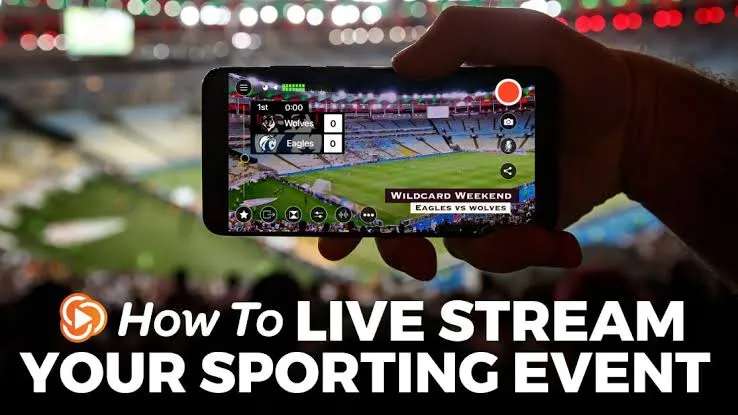
Live sports streaming is one of the most popular reasons people look for flexible television alternatives today.
Whether you follow international football, basketball, motorsports, or pay-per-view events, traditional cable and satellite subscriptions can sometimes be restrictive or expensive. This is why many viewers are exploring how to watch live sports with IPTV.
In this guide, we will explain exactly what IPTV is, what you need to get started, how to optimize your setup, and what to consider when choosing a reliable Premium IPTV in USA, Europe & Canada.
What Is IPTV for Live Sports?
IPTV (Internet Protocol Television) is a technology that delivers television content over the internet rather than through traditional terrestrial, satellite, or cable formats.
For sports fans, this means live events, tournaments, and sports networks can be streamed directly to your television or smart device, provided the IPTV service you use has the appropriate content and distribution rights.
It offers a more flexible way to access entertainment without being tied to a long-term hardware contract.
What Do You Need to Watch Live Sports With IPTV?
To get started with IPTV sports streaming, you will need a few basic things:
- An IPTV Subscription: A service that provides access to the channels you want. (If you're exploring options, review our IPTV pricing plans).
- A Compatible Device: Such as a Smart TV, streaming stick, computer, or smartphone.
- An IPTV Application: A media player that can read the stream from your provider.
- A Stable Internet Connection: Crucial for maintaining continuous playback without buffering.
How to Watch Live Sports With IPTV
Follow these general steps to set up your sports viewing experience:
Step 1: Choose an IPTV Service
Start by finding a reliable sports IPTV service. Look for providers that offer good quality, stable servers, and responsive customer support. (See how IPTV vs Cable TV and IPTV vs Satellite TV compare if you are making the switch).
Step 2: Check Sports and Content Availability
Before committing, verify that the sports content you actually want is available. Content availability depends heavily on your region and the specific rights held by the provider.
Step 3: Choose a Compatible Device
 IPTV compatible devices for sports streaming
Select a device you already own or plan to buy. Most modern streaming devices work well for live TV. If you need help with setup, check our installation guides.
Step 4: Install or Open a Compatible IPTV Application
Download a reputable IPTV player from your device's official app store. Examples include standard players available on Google Play, the App Store, or your Smart TV's application menu.
Step 5: Add Your Subscription Information
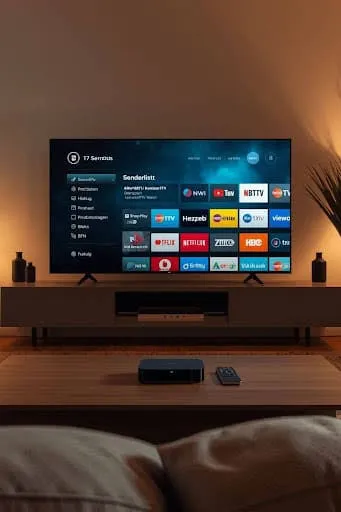 Adding subscription information to an IPTV player
Once your application is installed, you will need to add the subscription information provided by your service. This method varies by app but typically involves entering the credentials securely. (If you run into issues, read IPTV Not Working: 15 Things to Check First).
Step 6: Find the Sports Content
Browse the application’s interface. Most modern IPTV services organize content into categories, channels, or an Electronic Program Guide (EPG) so you can easily locate live sporting events.
Step 7: Start Watching
Select your desired channel or event and begin playback.
Which Devices Can You Use to Watch Sports With IPTV?
IPTV is highly versatile and works on a wide range of hardware, including:
- Smart TVs (Samsung, LG, etc.)
- Android TV and Google TV
- Fire TV / Firestick
- Apple TV
- Android smartphones and tablets
- iPhone and iPad
- Windows PC and Mac
Watching Live Sports With IPTV on a Smart TV
Many users prefer to watch live sports directly on their living room television.
If you have a Samsung Smart TV, LG Smart TV, Android TV, or Google TV, you can usually find compatible IPTV applications in the built-in app store. However, remember that app availability depends entirely on the TV platform and model. Older Smart TVs might have limited application support and may require an external streaming device like a Firestick for the best performance.
What Internet Speed Do You Need for Live Sports IPTV?
Internet speed and stability are critical for live sports streaming.
- SD/HD Quality: Generally requires a basic broadband connection.
- Full HD (1080p): Needs a stronger, more stable connection.
- 4K Streaming: Demands significant bandwidth and excellent network stability.
Remember, a stable connection is just as important as raw download speed. Wi-Fi drops or network congestion will cause interruptions regardless of your maximum speed. For a detailed breakdown, read our guide on What Internet Speed Do You Need for IPTV?.
How to Get Better Picture Quality When Watching Sports
To get the best picture quality (whether HD, Full HD, or 4K):
- Ensure your internet is stable.
- Use an Ethernet connection instead of Wi-Fi whenever possible.
- Use capable streaming hardware that can process high-bitrate video.
- Select the appropriate playback quality in your IPTV application.
Be aware that advertised resolution does not always guarantee consistent real-world quality, as this depends on the source stream and network conditions at the time of the event.
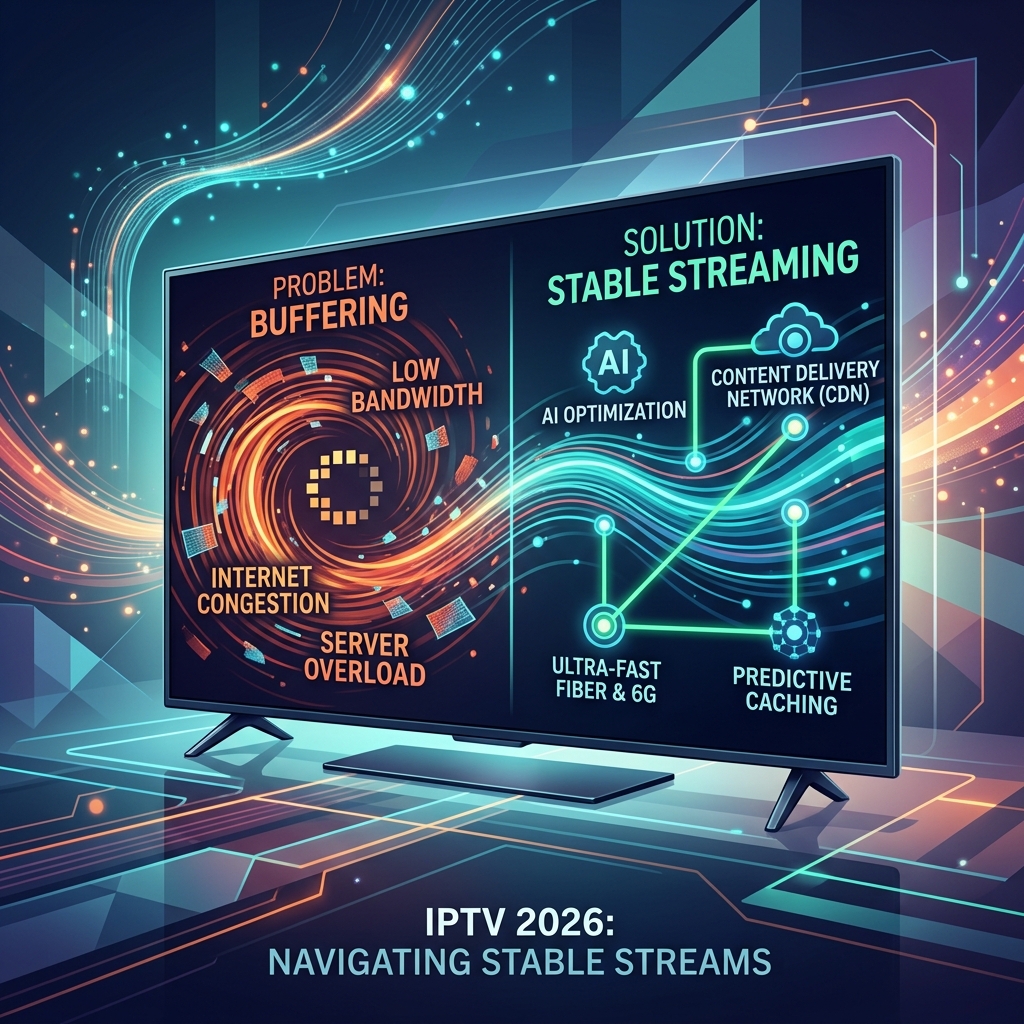
How to Fix IPTV Buffering During Live Sports
Nothing ruins a live game more than constant buffering. If your stream keeps pausing, it could be due to:
- Weak Wi-Fi or internet congestion
- Insufficient bandwidth
- Device or application limitations
- Provider-side issues
To fix this:
- Use an Ethernet cable.
- Move your device closer to the router.
- Reduce other heavy network activity in your home.
- Restart your router and streaming device.
- Lower the video quality if necessary.
For more advanced solutions, read our comprehensive guide on IPTV Buffering: 15 Causes and How to Fix It in 2026.
What Sports Can You Watch With IPTV?
With the right service, you can watch a wide variety of events, including:
- Football (Soccer)
- Basketball
- Baseball
- Hockey
- Tennis
- Boxing and MMA
- Motorsport
- International sports
Availability depends heavily on the service, your region, and applicable content rights. Always ensure you are using authorized sources. (If channels fail to load, consult IPTV Channels Not Loading: Causes and Fixes).
What Should You Look for in a Sports IPTV Service?
When evaluating a service, consider:
- Sports/Content Availability: Do they offer the events you want to watch?
- Streaming Quality and Reliability: Is the service stable during major events?
- Device Compatibility: Will it work on your preferred hardware?
- EPG and Channel Organization: Can you easily find what’s playing?
- Pricing and Customer Support: Is the value good, and can you get help if needed?
Watching Live Sports With Smartiflix
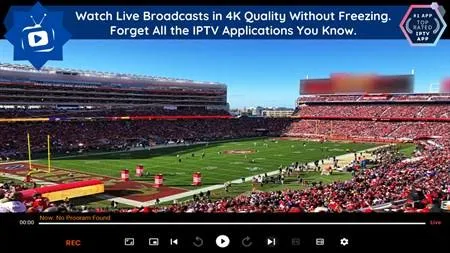 Watching live sports with Smartiflix IPTV
If you are looking for a reliable option, the Smartiflix service is designed to deliver a high-quality streaming experience across various devices.
Our focus is on stability, ease of use, and broad device compatibility, making Smartiflix IPTV a strong choice for those who want to watch live television seamlessly. We offer dedicated customer support to assist you, straightforward pricing, and comprehensive installation guides to get you started quickly.
When you choose a Smartiflix IPTV subscription, you are selecting a platform built for performance and user satisfaction.
Conclusion
Understanding how to watch live sports with IPTV opens up a world of flexible, high-quality entertainment. By ensuring you have a compatible device, a stable internet connection (preferably wired), and a reliable service, you can significantly improve your viewing experience.
If you are ready to explore a premium streaming solution, discover what smartiflix can offer and take your live sports streaming to the next level.